1. Common formats
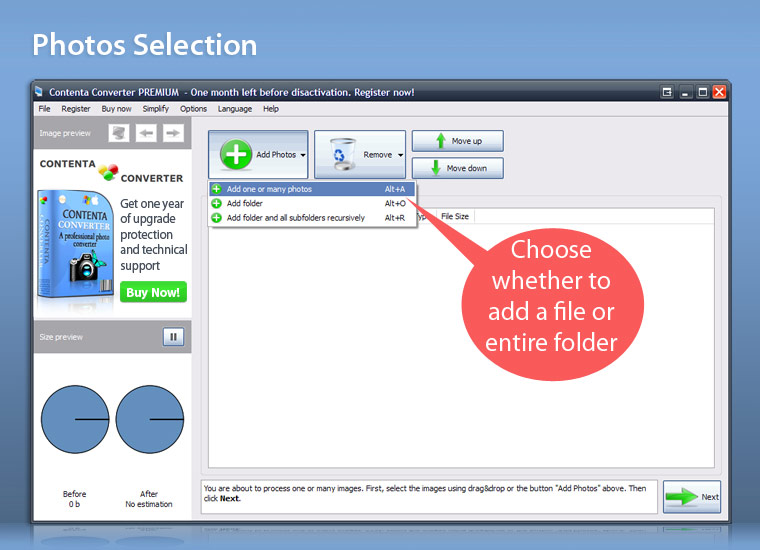
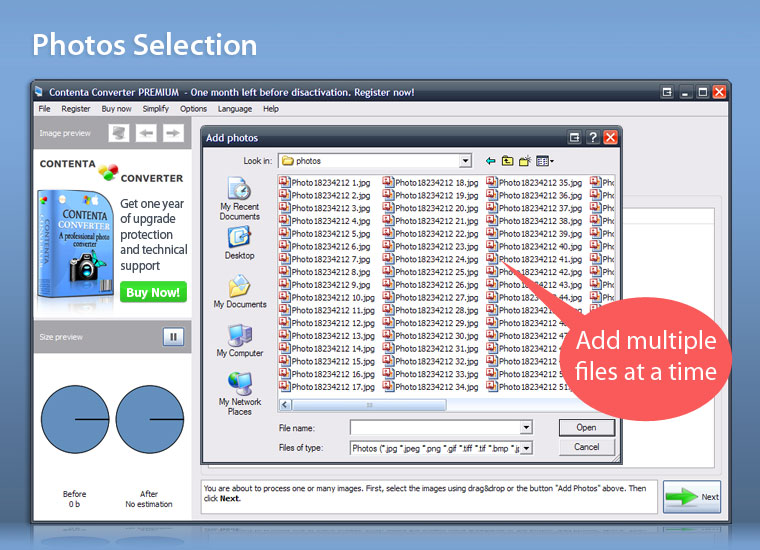
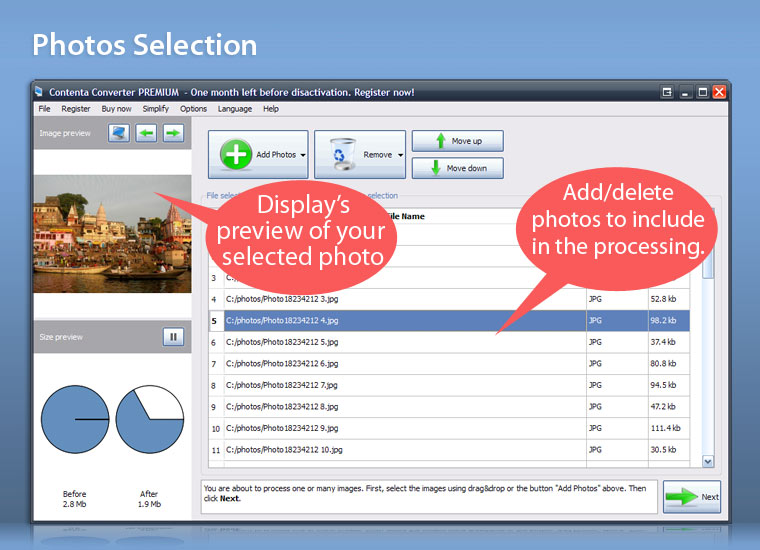
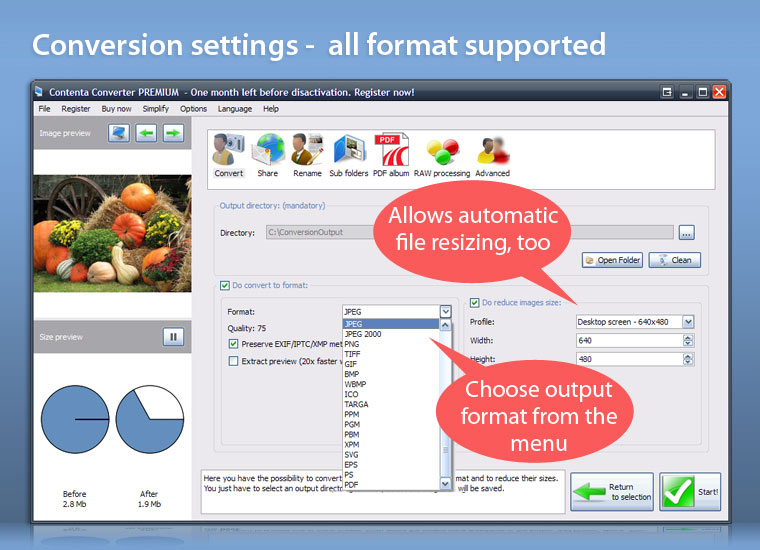
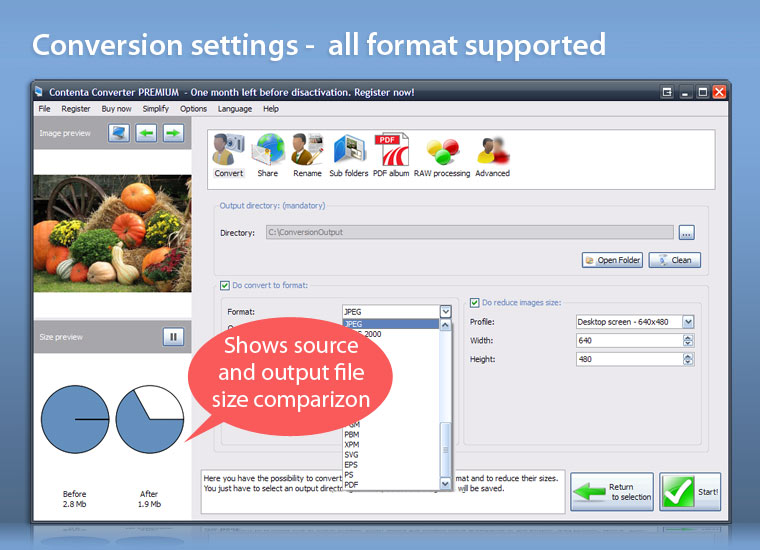
Image file formats provide a standardized method of organizing and storing image data. Here is a list of the common formats handled by our software:
| 2. RAW formats
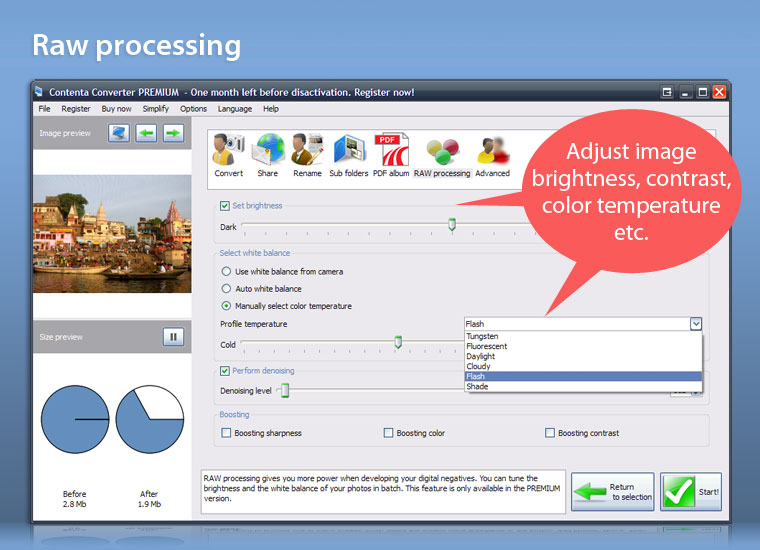
Raw, which contain the original information captured by a camera sensor prior to any in-camera processing, has become popular due to their promise of greater flexibility and image quality. Serious photographers want to store raw in long-term image archives, because unlike standard JPEG's and TIFF's these represent the pure, unaltered capture. Here is a list of the RAW formats handled by Contenta Converter:
|
3. Vector formats
Vector formats use geometrical primitives such as points, lines, curves, and shapes instead of pixels to represent images. A vector graphics program uses the mathematical formulae to construct the screen image. Since these formulas can produce an image scalable to any size and detail the quality of the image is only determined by the resolution of the display and the file size of vector data generating the image stays the same. Printing the image on paper will usually give a sharper, higher resolution output. Here is a list of the vector formats handled by Contenta Converter:
|
Stereo formats
The stereo formats consists of multiple images side by side for 3D reconstruction
|